URL Shortener for Substack Writers The Complete Guide
Substack gives writers a publishing platform and a built-in subscriber list. What it does not give you is independent, cross-platform data on where those subscribers are actually coming from — which social post, which podcast mention, which cross-promotion arrangement, which email signature is driving real growth. That data gap is exactly what a URL shortener fills.
This guide covers how Substack writers — from early-stage newsletters to established paid publications — use branded short links, link analytics and QR Codes to grow their subscriber base with evidence, manage their digital presence professionally, and build a publishing brand that outlasts any single platform. Registration is required to create links; a free plan is available with no credit card needed.
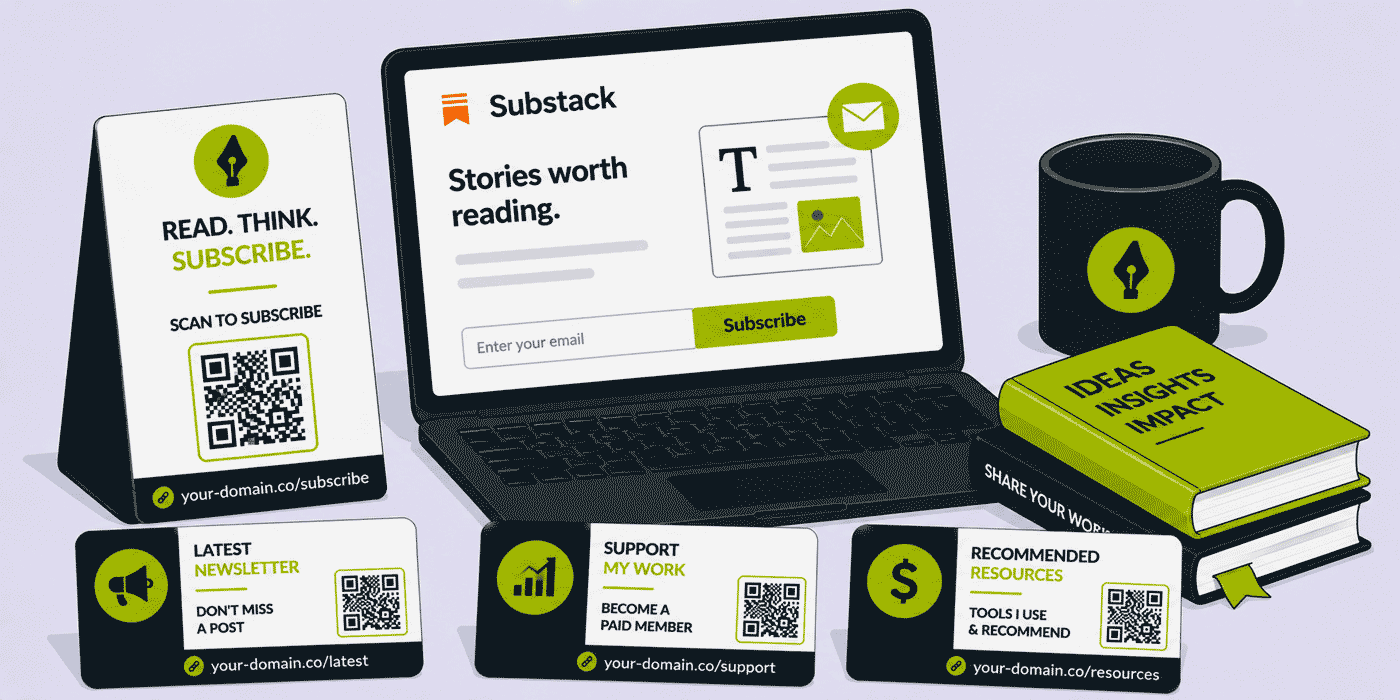
What This Guide Covers
- Why Substack's built-in analytics leave a data gap — and how to fill it
- Tracking which social platform is actually driving subscribers
- Branded short links for professional author positioning
- Link in Bio — the one-link strategy for Instagram and TikTok
- Using short links inside Substack newsletters
- Affiliate and sponsored content link management
- Cross-promotion and referral tracking
- QR Codes for events, podcasts and offline appearances
- Building a link infrastructure that survives a platform change
The Data Gap in Substack's Analytics
Substack provides writers with basic analytics: total subscribers, subscriber growth over time, open rates for individual issues, and a referral breakdown showing how many subscribers came from Substack's own recommendation network versus external sources. What it does not show you, with any precision, is what's working in your own promotional activity outside Substack.
If you share your subscribe page on Twitter, LinkedIn, Instagram, a podcast, a YouTube video, a cross-promotion arrangement with another Substack, a conference slide, and an email signature, Substack's analytics will tell you your total subscriber count grew by a certain number that week. It will not tell you which of those seven channels drove any of that growth. Without that data, your decisions about where to invest promotional effort are essentially guesswork.
A URL shortener solves this by creating a unique short link for each channel — all pointing to the same Substack subscribe page — and capturing click data independently, before the redirect, at the Cuttly level. You know exactly how many people clicked your Twitter post's link, how many clicked from your Instagram bio, how many from the podcast mention. Your promotional decisions stop being gut-feel and start being evidence-based.
Tracking Subscriber Growth by Channel
One Subscribe Page, Multiple Tracked Links
The practical setup is simple. Your Substack subscribe page has a single URL — typically yourpublication.substack.com/subscribe or a custom domain equivalent. You create a separate short link for each promotional channel, all redirecting to this same page. Each short link has a different slug that identifies the source:
read.yourname.com/twitter— shared in Twitter/X posts and bioread.yourname.com/linkedin— shared in LinkedIn posts and profileread.yourname.com/instagram— in your Instagram bio via Link in Bioread.yourname.com/podcast-name— mentioned on a specific podcastread.yourname.com/collab-writername— in a cross-promotion with another newsletter
The click data for each link shows you not just how many people clicked but when — spikes in click volume after a specific post, a podcast episode going live, or a cross-promotion arrangement hitting inboxes. Over time this builds an evidence base for exactly which promotional activities deserve more of your attention and which are wasting your time.
UTM Parameters and Substack's Own Analytics
If you also want to see traffic from these links appear correctly in your custom domain's analytics (if you have a personal website alongside your Substack), add UTM parameters to the destination URL before shortening it. Cuttly's UTM Builder generates the correctly formatted parameter string which you then paste as the destination URL when creating the short link. The short link stays clean; the destination URL carries the full attribution data for Google Analytics or any other analytics tool you use on your own domain.
Branded Short Links — The Professional Author Stack
Most Substack writers at the early stage share their publication using the default yourpublication.substack.com URL. This is fine for getting started, but it carries the Substack brand name rather than the writer's name or publication name — and it creates a dependency: if you ever move to a different platform, every link you've shared becomes a dead end.
A branded short domain — read.yourname.com, news.yourpublication.com, or any other short domain you choose — means every link you share is yours. The domain reinforces your brand name in every social post, every email signature, every podcast mention. And when you update a link's destination, every place that link has already been shared automatically redirects to the new destination.
What Branded Links Look Like in Practice
| Context | Generic link | Branded short link |
|---|---|---|
| Twitter/X bio | yourpublication.substack.com |
read.yourname.com |
| Podcast mention (verbal) | "Go to yourpublication dot substack dot com" | "Go to read dot yourname dot com" |
| Newsletter cross-promo | yourpublication.substack.com/subscribe |
read.yourname.com/subscribe |
| Conference slide | Long URL with potential line-wrap issues | Short, memorable, scannable as QR Code |
| Email signature | Generic Substack domain | Your own brand, every email you send |
Link in Bio — Managing the Single-Link Constraint
Instagram and TikTok each allow only one clickable link in the profile bio. For a Substack writer who also has a website, a paid subscription offer, a free archive, a back-catalogue of best issues, an affiliate relationship, or a course, this single link is constantly insufficient.
Cuttly's Link in Bio solves this: one URL in your bio opens a landing page listing all your relevant destinations — your latest issue, your subscribe page, your free archive, your paid offer, your website, your other social profiles. Every button click is tracked independently. You can reorder, add and remove destinations without changing the bio link URL.
- Latest issue — always points to your most recent post, updated when you publish
- Subscribe (free) — the primary subscriber acquisition CTA
- Go paid — direct link to the paid subscription checkout for Instagram followers who are already subscribers
- Best of the archive — curated link to a "start here" index for new readers
- Podcast / YouTube — if you have companion media
- Contact / collaborate — for sponsorship enquiries
Using Short Links Inside Your Substack Newsletter
Substack provides basic click tracking for links inside your issues, but this data is limited to within the Substack ecosystem. For any links in your newsletter that point to external destinations — a sponsor's website, an affiliate product, your own personal website, another creator's work — a short link gives you independent tracking that doesn't depend on Substack's analytics infrastructure.
Affiliate and Sponsored Content Links
If your Substack includes affiliate relationships or sponsored content placements, a short link for each affiliate URL serves two functions: it gives you independent click data that you can share with sponsors as proof of performance, and it makes the link in the email look clean rather than like a long affiliate URL string full of tracking parameters. A link like read.yourname.com/sponsor-name is presentable and professional; a 200-character affiliate URL with commission tracking codes embedded is neither.
Sponsor Performance Reporting
Writers who take newsletter sponsorships are increasingly expected to provide click data to sponsors as evidence of campaign performance. Substack's internal analytics are not always sufficient for this — they don't provide exportable, sponsor-facing reports. A short link created specifically for each sponsor placement gives you clean, exportable click data that demonstrates the value of a placement in your newsletter: click count, geographic breakdown, device split, click timing relative to send time. This data makes renewal conversations significantly easier.
Cross-Promotion and Referral Tracking
Cross-promotion between Substack writers — where two newsletters recommend each other to their respective audiences — is one of the most effective subscriber growth tactics available on the platform. The challenge is knowing whether a specific cross-promotion arrangement actually delivered subscribers, and how many.
Create a unique short link for each cross-promotion arrangement, named after the partner publication: read.yourname.com/collab-partnerpublication. Share this specific link in the cross-promo post or recommendation. When the partner's audience clicks through, you see exactly how much traffic that arrangement sent. Over time, you build a ranking of which cross-promotion partners deliver real audience growth versus those that generate very little traffic despite being large publications in absolute subscriber terms. This is data most Substack writers never have.
QR Codes for Writers — Events, Podcasts and Offline
Writers who have a physical presence — speaking at events, appearing on panels, teaching workshops, attending book fairs or media industry conferences — can use QR Codes to convert in-person audiences to Substack subscribers without asking anyone to search for or remember a URL.
Conference and Event Slides
A QR Code on the final slide of a talk or panel appearance, linking to your subscribe page or a specific "welcome" issue written for event attendees, converts post-talk interest into subscriber intent before the audience has even left the room. A dedicated short link for the event — read.yourname.com/event-name — tracks exactly how many people from that event visited your Substack, giving you a measure of speaking ROI that most writers never have.
Podcast Guest Appearances
When you appear as a guest on a podcast, the host will typically mention your publication verbally during the conversation and include a link in the show notes. A short, memorable, speakable URL matters enormously here: a listener who hears "go to read dot yourname dot com" can remember and type that later; a listener who hears a full Substack subdomain URL will almost certainly not. Create a podcast-specific short link — or one per appearance — and use it both verbally and in show notes. The click data tells you whether podcast appearances are actually driving subscriber growth, and which shows in which audiences are your most effective promotional venues.
Platform Portability — The Most Important Long-Term Benefit
Substack is an excellent platform today. Its terms, its economics, its algorithm, and its competitive position may look different in three years. Writers who build their subscriber acquisition infrastructure on Substack's own URLs are one platform decision away from having every link they've ever shared become either dead or pointing to a destination they no longer control.
A branded short link that you own is platform-agnostic. read.yourname.com/subscribe can point to your Substack today, to a Ghost or Beehiiv or Mailchimp page tomorrow, and to your own self-hosted platform the year after. Every link you've ever shared — in social bios, in podcast show notes, in articles that mention you, in other writers' cross-promotions — continues to work and continues to point wherever you currently want it to point. Your audience infrastructure is yours, not Substack's.
This is the same lesson the goo.gl shutdown taught every marketer who had embedded Google short links in their content: when you depend on a third-party URL for your links, you are one service decision away from losing all of them. Owning your short domain means owning your links permanently.
Cuttly Tools for Substack Writers
| Tool | Use case for Substack writers |
|---|---|
| Branded short links | Professional author brand across every platform and channel |
| Link analytics | Per-channel subscriber acquisition data; sponsor performance reports |
| Link in Bio | Instagram and TikTok bio aggregating subscribe, latest issue, paid offer, archive |
| Campaign tagging | Group all links for a launch or growth push to see total campaign performance |
| Dynamic QR Codes | Conference slides, business cards, event handouts — destination updatable without reprinting |
| UTM Builder | Add source/medium attribution to destinations for Google Analytics or Plausible integration |
Create a free Cuttly account to start building branded short links and tracking your subscriber growth by channel. Registration is required; free plan available with no credit card needed.
Frequently Asked Questions
Can Substack writers use a URL shortener inside their newsletters?
Yes — Substack renders standard links in the email version of your newsletter, and any URL you paste into the editor becomes a clickable hyperlink. You can use a branded short link as the destination URL behind anchor text, giving you independent click tracking outside Substack's own analytics. This is particularly useful for external links, affiliate partners, social profiles, or your own other products where you want data beyond what Substack's built-in analytics provide.
What is the best way to track which social platform is driving the most subscribers?
Create a unique short link for each platform where you promote your Substack — Twitter/X, LinkedIn, Instagram bio, podcast show notes, cross-promotions. All point to the same subscribe page. The click data from each link tells you exactly which platform is driving traffic with a precision that Substack's own referral analytics cannot match.
Should a Substack writer use a branded short domain?
Yes — particularly for writers positioning themselves as a professional brand. A branded link like read.yourname.com/subscribe communicates authority, is speakable on podcasts, and — critically — remains yours if you ever move from Substack to another platform. Every link you share continues to work regardless of which publishing platform is behind it.
How can Substack writers use QR Codes?
At speaking events, on conference slides, on business cards and on printed handouts. A QR Code linking to your subscribe page converts in-person audiences to subscribers immediately, without asking anyone to type or remember a URL. Dynamic QR Codes built on a short link let you update the destination — to a specific issue, a paid offer, or a seasonal archive — without reprinting the physical material.
- Cuttly Tools
- URL Shortener Tool →
- Link in Bio Builder →
- QR Code Generator →
- Related Guides
- URL Shortener for Book Authors
- URL Shortener for Literary Publishers
- URL Shortener for Newsletters
- URL Shortener for Podcasters
- URL Shortener for Food Bloggers
- URL Shortener for Travel Bloggers
- Similar Verticals
- Cuttly for Creators
- Cuttly for Bloggers
- Encyclopedia
- Branded Links
- Link in Bio
- UTM Parameters
- Verticals Hub
- Authors & Publishing Hub →
- Creators & Social Media Hub →
- URL Shortener for Every Industry →
- Start Here
- Create Free Account
- Plans & Pricing
URL Shortener
Cuttly simplifies link management by offering a user-friendly URL shortener that includes branded short links. Boost your brand’s growth with short, memorable, and engaging links, while seamlessly managing and tracking your links using Cuttly's versatile platform. Generate branded short links, create customizable QR codes, build link-in-bio pages, and run interactive surveys—all in one place.
Cuttly More Than Just a URL Shortener
Cuttly is a comprehensive, ever-evolving platform for link shortening that combines innovation and user-friendliness to deliver a seamless experience in managing and shortening URLs.


