URL Shortener for Tutoring Centres The Complete Guide
Tutoring centres live or die on local reputation, word-of-mouth referrals and the ability to fill seats before a new term starts. Every flyer on a school noticeboard, every message in a parent WhatsApp group, every Facebook post in a local community page is a link to your enrolment form — and how that link looks and what data it returns determines whether you grow or stagnate.
This guide covers exactly how tutoring centres — from single-location independents to multi-site local chains — use branded short links, dynamic QR Codes and per-channel link analytics to fill class schedules, measure which marketing actually works, and compete effectively against national tutoring brands. Registration is required to create links; a free plan is available with no credit card needed.
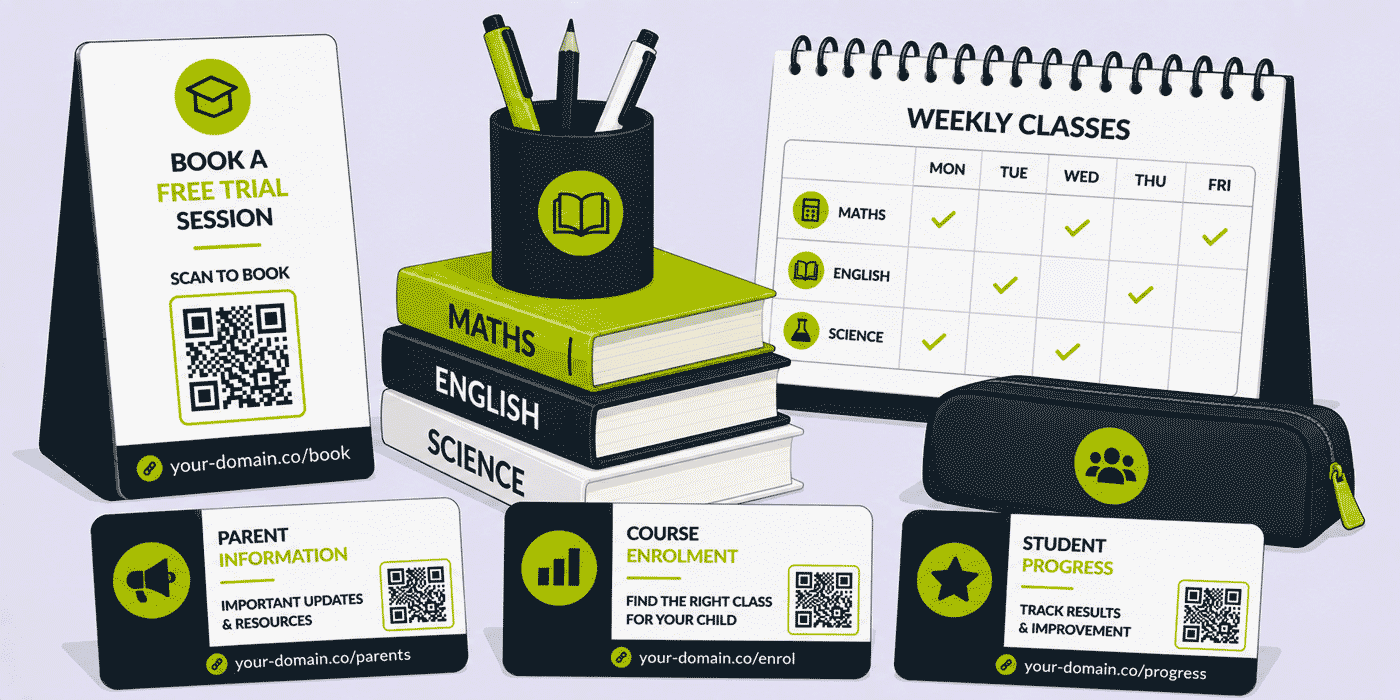
What This Guide Covers
- Why links matter more than most tutoring centres realise
- QR Codes on printed materials — flyers, noticeboards, window displays
- Tracking enrolment campaigns across channels (Facebook, leaflets, WhatsApp)
- Parent communication: WhatsApp, email and SMS link best practices
- Subject and timetable links — one clean URL per programme
- Free assessment and open day promotion
- Multi-location management for growing tutoring groups
- Building a branded link strategy on a small marketing budget
The Marketing Reality for Tutoring Centres
Most tutoring centres operate on a small, local marketing budget with a lot of channels competing for it: school gate leaflets, local Facebook groups, Google Business Profile, Nextdoor, WhatsApp, email newsletters, local newspaper ads, and the occasional sponsorship of a school event. The challenge is not reaching parents — it's knowing which of these channels is actually producing enrolments, so you know where to double down before the next term.
Without per-channel link tracking, every enrolment that comes through your website looks the same. A parent who found you via a Facebook post and a parent who typed your URL directly after seeing your flyer are indistinguishable in your booking form. A branded short link that's different for each channel — with identical destinations — solves this entirely: one link for the Facebook post, one for the leaflet, one for the WhatsApp message, all pointing to the same enrolment page. You see exactly which channel drove each click.
QR Codes for Tutoring Centres — Where They Work Best
QR Codes have become a natural expectation on printed marketing materials, and tutoring centres that use them well are converting more casual interest — a parent who glances at a flyer — into actual enquiries than those relying on parents to type a URL manually.
School Gate and Noticeboard Flyers
The school gate is the single most valuable distribution point for most local tutoring centres. Parents waiting at pickup have 30 seconds of attention. A flyer with a large QR Code linking directly to a "Book a Free Assessment" page removes all friction — no typing, no searching, just scan. Use a dynamic QR Code so that if you change your booking platform, the destination updates without reprinting. Track scans per flyer design or distribution location to see which schools in your catchment area produce the most interest.
Window Display and In-Centre Posters
Parents and students walking past your premises or waiting inside have time to look at your materials properly. A QR Code on a window display can link to a timetable, a subject overview, or a specific programme page — information that's more detailed than the poster itself can carry. A QR Code in your waiting room can link to your reviews page, a parent resource hub, or a referral page for existing students.
Local Community Noticeboards and Libraries
Physical community noticeboards — supermarkets, libraries, community centres — attract general local traffic rather than specifically school-related parents. A QR Code here should link to a page that explains what you offer and who it's for, rather than jumping straight to an enrolment form. Use a different short link here than on your school gate flyers; the click volume comparison will tell you how much attention community noticeboards are actually worth relative to school-focused distribution.
Subject and Programme Links — One Clean URL Per Course
Tutoring centres typically offer multiple subjects across multiple year groups — GCSE Maths, A-Level Chemistry, 11+ preparation, primary English, KS3 Science — each with its own timetable, pricing, availability and enrolment process. Managing this with a single homepage URL forces parents to navigate, reducing conversion. A short link per programme avoids this entirely.
A naming structure like tutor.yourcentre.com/gcse-maths, tutor.yourcentre.com/11plus, tutor.yourcentre.com/a-level-chemistry gives you shareable, memorable links for each programme. These can go on subject-specific flyers, in WhatsApp messages when a parent asks about a specific course, in email campaigns targeted to the right age group, or in social media posts about a specific subject. Each link tracks independently, so you can see which programmes generate the most digital interest before the term even begins.
WhatsApp and Parent Communication
WhatsApp is the most important digital communication channel for many tutoring centres, particularly those serving communities where WhatsApp group membership is near-universal among local parents. Every link shared in a parent WhatsApp group reaches a warm, local audience — but that same audience will scrutinise a link before clicking it, particularly if it looks like a long, messy URL.
What a Link Looks Like in WhatsApp Matters
A message like: "Hi everyone, we've got a few places left in our GCSE Maths intensive — full details here: tutor.yourcentre.com/gcse-intensive" reads as professional and trustworthy. The same message with a long URL containing tracking parameters looks either suspicious or amateurish. A branded short link costs nothing extra to create and makes every WhatsApp message look like it came from an organised, professional operation rather than a small sole-trader typing links manually.
Tracking WhatsApp Shares
WhatsApp referrer data does not pass through to standard analytics platforms — when someone taps a link shared in WhatsApp, it typically appears as "direct" traffic. This means that without short link tracking, you have no way of knowing whether your WhatsApp presence is generating any engagement at all. A distinct short link created specifically for WhatsApp sharing — even if it points to the same page as your other links — captures the click data at the Cuttly level before the redirect, giving you WhatsApp-specific performance data that your website analytics cannot see.
Free Assessment and Open Day Campaigns
Free assessments and open days are the highest-value lead generation events in the tutoring centre calendar. They bring prospective students and parents through your door before any financial commitment, and the conversion rate from attended assessment to enrolment is typically very high. The link to your assessment booking page or open day registration is therefore one of the most important links your business ever shares — and it should be tracked carefully.
- Create a dedicated short link for each assessment campaign:
tutor.yourcentre.com/free-assessment-sept - Use this same link across all channels during that campaign period so total bookings driven by the campaign are visible in one place
- Add a QR Code version to every printed flyer for the campaign — the same dynamic code can be updated for the next campaign without reprinting
- After the campaign ends, review click-to-booking conversion alongside the channel breakdown to understand which channel produced the most assessment attendees — this directly informs next term's marketing budget allocation
Facebook and Social Media — Local Community Groups
Local Facebook groups — "Parents of [Town] Primary School," "[Town] Mums and Dads," local community groups — are among the most effective and cheapest marketing channels available to a local tutoring centre. A well-timed post in the right group, shared at a moment of relevance (GCSE results week, SATs preparation season, transition from primary to secondary), can generate significant enquiry volume within hours.
The challenge with social media links, particularly in Facebook groups, is that long URLs look cluttered in a conversational post and may trigger spam filters that reduce the post's visibility. A branded short link fits naturally into the text of a post, is less likely to be flagged, and gives you click data that tells you exactly how much traffic each group share drove. Create a separate link for each group if you're posting to multiple groups simultaneously — the difference in click-through rates between different groups will tell you where your audience actually is.
Email Newsletters and Term-Start Communications
Most tutoring centres send some form of email communication to their existing parent base — term dates, timetable updates, new subject offerings, sibling referral offers. Every link in these emails should be a tracked short link. This is not about being clever with data; it's about knowing, with a number, whether your emails are actually being engaged with or whether they're being ignored.
- Timetable link: one stable short link per term that always points to the current timetable — update the destination when the new timetable is published, not the link in the email archive
- Sibling/referral link: a specific short link that parents share with friends — this makes referrals trackable rather than invisible
- Subject spotlight links: when promoting a specific programme in a newsletter, the link to that programme's page should be distinct from the general homepage link, so you can see which subject promotions generate the most clicks
Multi-Location Management
Tutoring groups operating across multiple locations — a network of independently branded but centrally managed tutoring centres — face a link management challenge that grows with every site added. Each location has its own enrolment page, its own timetable, its own assessment booking process, its own local marketing. Managing this without a structured link system means marketing materials across sites are inconsistent, tracking is fragmented, and comparing performance between locations is impossible.
A Cuttly Team plan allows multiple users across locations to create, manage and track links within a shared workspace. Central leadership can see aggregate performance across all locations while individual centre managers have access to their own location's data. Branded domains can be configured so each location uses a consistent link structure, and campaign tags group all links for a shared promotion — a network-wide assessment day, for example — so total campaign performance is visible alongside per-location breakdown.
Cuttly Tools for Tutoring Centres
| Tool | Use case for tutoring centres |
|---|---|
| Branded short links | Clean, professional links for every channel — WhatsApp, email, social, print |
| Dynamic QR Codes | Flyers, window displays, noticeboards — destination updatable without reprinting |
| Campaign tagging | Group all links for a term-start campaign to see total performance across channels |
| Link analytics | Per-channel click data — which flyer, which Facebook group, which WhatsApp share drove enrolments |
| Link in Bio | Instagram and TikTok bio link aggregating all subject pages, booking links and social profiles |
| Team workspaces | Multi-location management with per-centre access and central oversight |
Create a free Cuttly account to start building branded short links and QR Codes for your tutoring centre. Registration is required; free plan available with no credit card needed.
Frequently Asked Questions
How can a tutoring centre use QR Codes?
QR Codes on printed flyers, school noticeboards, window displays and waiting room posters link directly to enrolment pages, free assessment bookings, subject timetables or open day registrations. Dynamic QR Codes let you update the destination without reprinting, and every scan is tracked in the link analytics dashboard — so you know which printed placements are actually driving traffic.
What is the best way to track which marketing channel is bringing in new students?
Create a separate short link for each channel — school gate flyer, Facebook post, local Facebook group, WhatsApp message, Google Business Profile. All point to the same enrolment page. The referral data from the link clicked tells you exactly which channel drove each enquiry. Group all links under a campaign tag to see total campaign performance alongside the per-channel breakdown.
Should a tutoring centre use a branded short domain?
Yes. A branded link like tutor.yourcentre.com/enrol communicates professionalism and legitimacy in every channel where it appears — WhatsApp, printed flyers, email, social. It also consistently reinforces your brand name rather than a third-party service name.
How can tutoring centres use short links in WhatsApp parent groups?
A clean branded short link fits naturally in a conversational WhatsApp message and looks professional to parents. Using a distinct link for WhatsApp specifically also captures click data that standard website analytics cannot see, since WhatsApp traffic typically appears as "direct" — giving you the only reliable measure of how much your WhatsApp presence is actually driving.
- Cuttly Tools
- URL Shortener Tool →
- Link in Bio Builder →
- QR Code Generator →
- Related Guides
- URL Shortener for Private Tutors
- URL Shortener for Music Schools
- URL Shortener for Art Schools
- URL Shortener for Language Schools
- URL Shortener for Online Courses
- URL Shortener for Schools & Universities
- Similar Verticals
- URL Shortener for Childcare
- URL Shortener for Coding Bootcamps
- Encyclopedia
- Branded Links
- Dynamic QR Codes
- Campaign Tagging
- Verticals Hub
- Education & Training Hub →
- URL Shortener for Every Industry →
- Start Here
- Create Free Account
- Plans & Pricing
URL Shortener
Cuttly simplifies link management by offering a user-friendly URL shortener that includes branded short links. Boost your brand’s growth with short, memorable, and engaging links, while seamlessly managing and tracking your links using Cuttly's versatile platform. Generate branded short links, create customizable QR codes, build link-in-bio pages, and run interactive surveys—all in one place.
Cuttly More Than Just a URL Shortener
Cuttly is a comprehensive, ever-evolving platform for link shortening that combines innovation and user-friendliness to deliver a seamless experience in managing and shortening URLs.


