How to download a link analytics report as PDF?
Cuttly lets you download a full analytics report for any short link as a PDF file. The report includes all analytics data from the page for the currently selected time range — presented as data tables.
1. Open the analytics page for any short link from your dashboard.
2. At the top right of the analytics page, click the "Download Report (.PDF)" link.
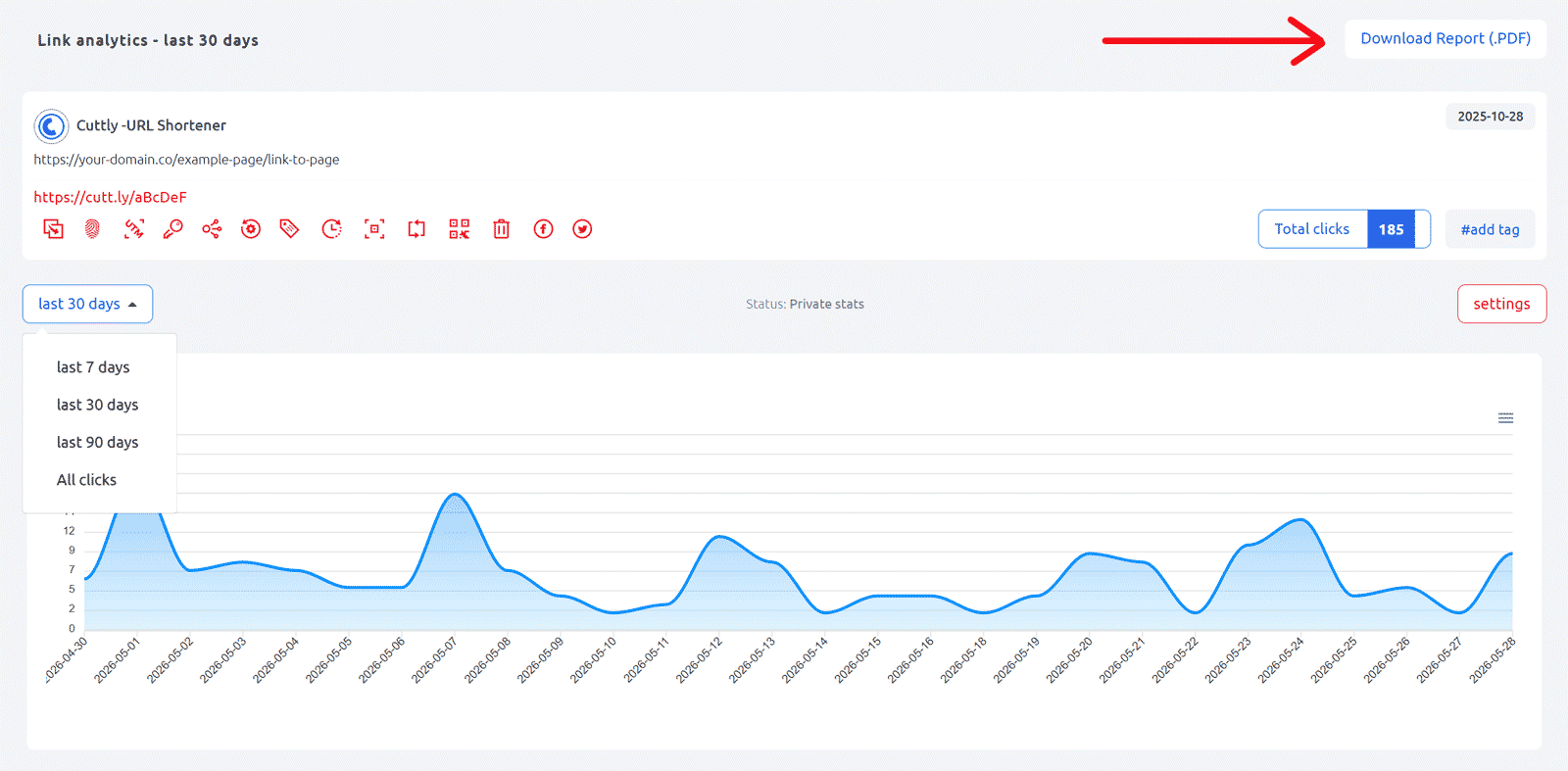
3. The PDF report is generated and downloaded automatically to your device.
The PDF report contains all analytics data visible on the page — total clicks, source of clicks, referrals, devices, OS, browsers, brands, languages, geo-location, and bots — all reflecting the currently selected time range. Data is presented in tabular form.
Use cases for the PDF report:
- Sharing campaign results with a client or manager
- Documenting link performance for monthly or quarterly reports
- Archiving analytics data before clearing or deleting a link
Find out more: Cuttly pricing and features
-
What is Link Analytics?
How to view link analytics?
Time range filter (7 / 30 / 90 days / All)
Total Clicks Chart
Hourly Insights Heat Map
Source of Clicks (Facebook, Twitter, Instagram, LinkedIn, Direct)
Referrals / Other Sources
Devices Clicks (Desktop / Mobile / Other)
System (OS) Clicks
Browsers Clicks
Brand Clicks
Languages Clicks
Geo Location Clicks
Bots
Public and Private Analytics
Analytics Settings (per-link and global)
Download Analytics Report (.PDF)
Aggregated Link Analytics
Campaign Tag Analytics